How to Create a Campaign

Learn how to create, schedule, and launch a MediaXGo campaign with images, videos, and display layouts.

Learn how to create, schedule, and launch a MediaXGo campaign with images, videos, and display layouts.

Learn how to log in to the MediaXGo Portal to create campaigns, upload content, schedule displays, and manage devices.

Create a MediaXGo account directly from the Android app, name your device, and prepare your display for setup.

Connect your Android display to MediaXGo using QR code sign-in and a verification PIN from the MediaXGo Portal.

Learn how to download MediaXGo from Google Play and sign in to your Android TV, signage device, or Android TV Box.

Learn how to create a MediaXGo account from the website, access the Portal, and begin managing your digital signage screens.
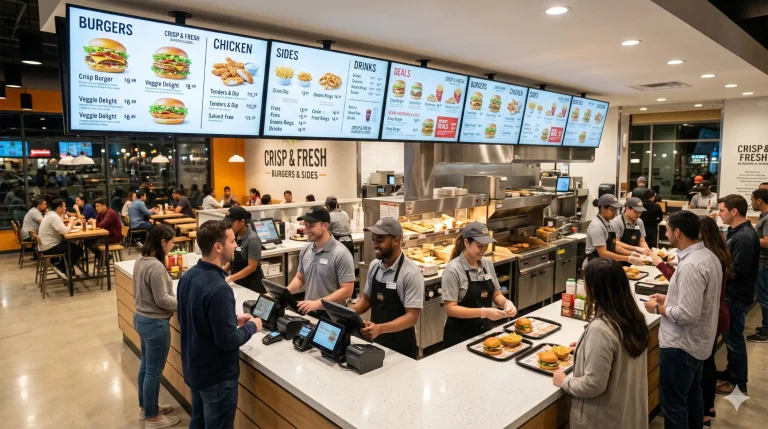
Discover the easiest digital menu board solution. Use the TVs you already have to display live menus, prices, and promotions with MediaXGo.