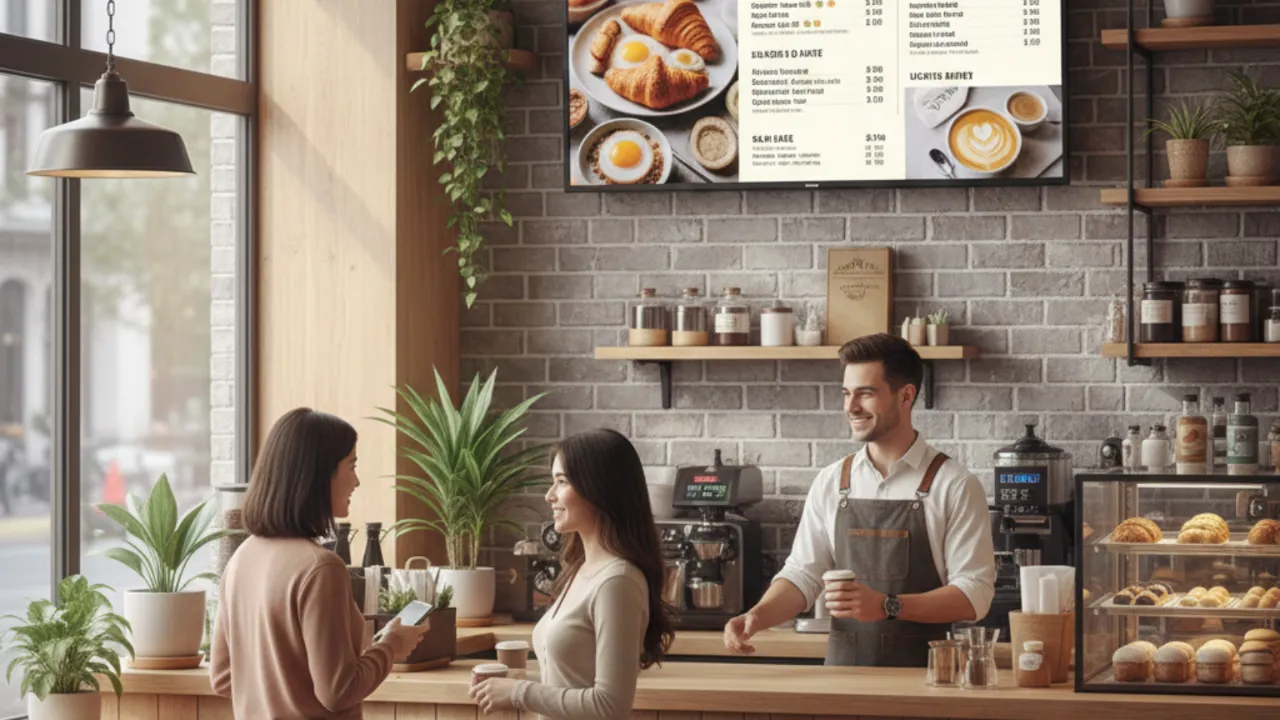

Turning ordinary TVs into promotion displays is one of the fastest, lowest-cost ways for small shops to grab attention, communicate offers, and lift average order value. This guide explains how to set up and run TV-based promos, shows real small business examples from Asia, gives clear ROI tips, includes before-and-after stories you can copy, and points to the MediaXGo features that make it simple to manage everything from the cloud. (If you want to try the tool used here, see MediaXGo’s home and help pages for setup and tutorials.) (MediaX Digital Signage Solutions)
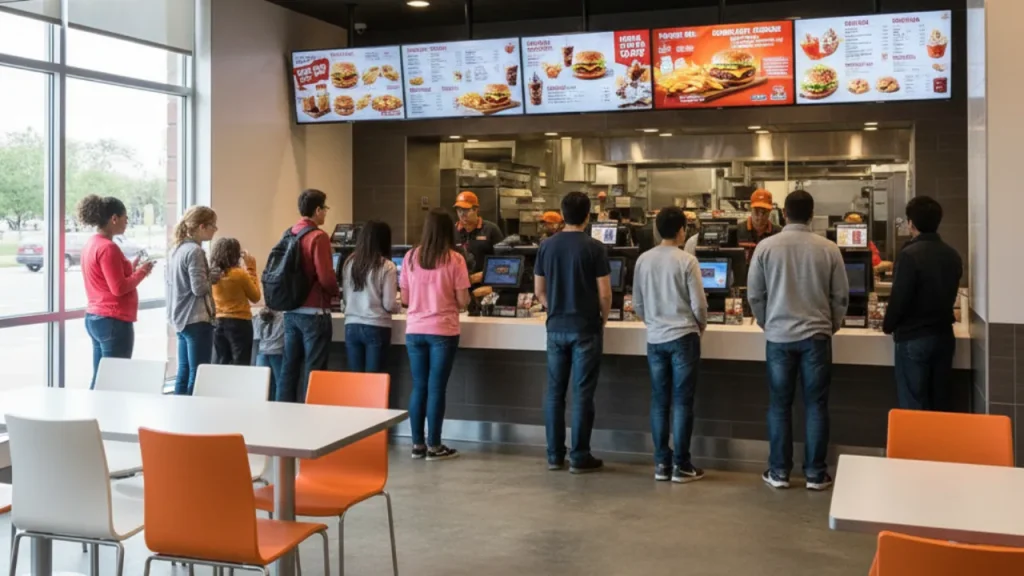
Why TVs beat printed signage for retail
Printed posters are static and need manual replacement every time prices change or a new promo runs. A TV screen driven by cloud software gives you:
- Instant updates from anywhere, so prices, daily specials, or flash offers change in seconds.
- Motion and animation that attract attention and increase recall.
- Split-screen layouts to show menus, promos, and social proof at once.
- Scheduling so morning, lunch, and dinner promotions show automatically.
Cloud digital signage platforms like MediaXGo make these capabilities available for small shops with minimal tech setup. You can sign up, download the display app, and add your screens in minutes. (MediaX Digital Signage Solutions)
The simple setup: what you need
- A TV with an HDMI input (any modern TV will do).
- A low-cost media player or an Android TV stick that runs the digital signage app, or an Android TV that supports the app.
- A stable internet connection for remote updates. Offline playback is usually supported so content keeps playing if the internet drops.
- Media and layouts: images, short videos, pricing slides, and a simple template.
- A cloud account to upload and schedule content.
MediaXGo provides the account, player app, and dashboard for uploading, scheduling, and monitoring screens. Their help section walks you through account creation and campaign setup. (MediaX Digital Signage Solutions)
Build high-performing promotional content (3 easy templates)
Use these three templates to start, each optimized for attention and conversions.
- Daily Specials Menu (carousel)
- Top area: headline “Today only” or “Lunch set”
- Left column: one high-quality photo per item
- Right column: price and quick call to action like “Order at counter”
- Schedule: weekdays 11:00–14:00
- Flash Offer Pop (animated)
- Single big product shot, animated price drop, countdown timer (15 min to 24 hours)
- Show at decision points: near the queue, at the counter
- Upsell Split-Screen
- Left: main product with price
- Right: add-ons or combo upgrade with “Add for X” label
- Trigger during peak hours or when queue forms
Most cloud CMS let you save templates and reuse them across locations. MediaXGo supports split-screen and group campaigns so you can run different content blocks on the same TV simultaneously. (MediaX Digital Signage Solutions)
Retail examples from small businesses in Asia
Here are practical, realistic examples you can copy. These are composite examples built from common small-shop patterns across Asia.
- Corner Café, Colombo – upsell and speed
Problem: long queues in morning rush, slow order flow.
TV use: placed a menu TV behind the cashier showing a “Quick Combo” rotation with time-limited breakfast bundles. Added a 10-second animated loop for best sellers.
Result: 18% increase in add-on sales during morning hours, queue speed improved because customers decided faster. - Streetwear Boutique, Manila – price clarity + scarcity
Problem: customers unsure about stock and sizes.
TV use: window-facing screen displayed “Low stock” badges and a live rotating gallery of new arrivals. Staff scanned a QR code to show customers exact stock.
Result: 12% higher foot-to-purchase conversion and fewer customer questions for front-line staff. - Neighborhood Salon, Bangkok – appointment reminders and packages
Problem: last-minute cancellations and under-utilized midday slots.
TV use: lobby screen highlighted midweek discounts and showed a live schedule of available slots, combined with customer reviews.
Result: midweek bookings rose by 22% and cancellations fell.
These examples show how small changes in messaging and layout can move the needle quickly. They are practical recipes you can implement in a day, and all run from a single cloud dashboard. Use the MediaXGo dashboard to schedule campaigns and monitor devices remotely. (MediaX Digital Signage Solutions)
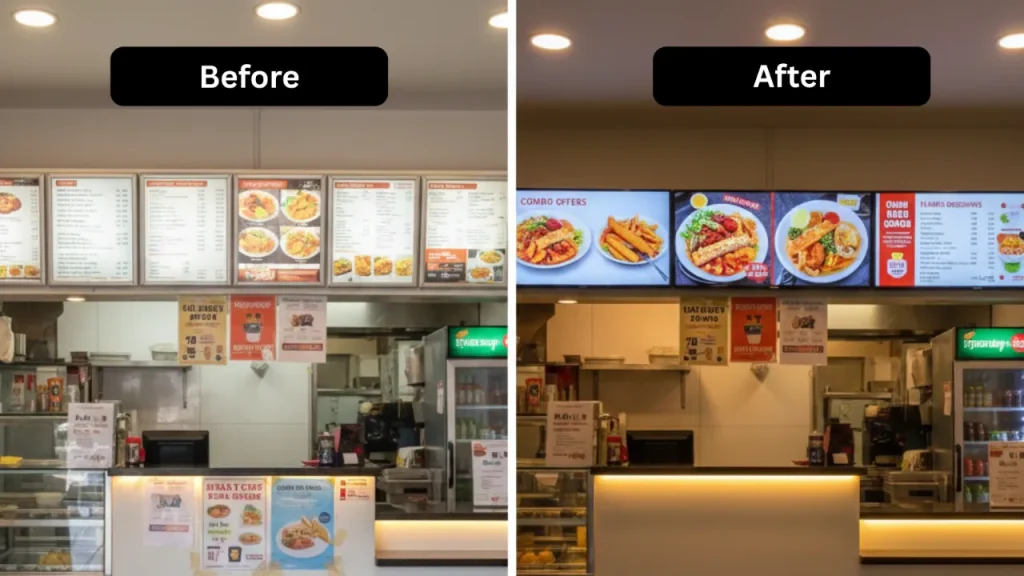
Before-and-after story: cafe that swapped posters for screens
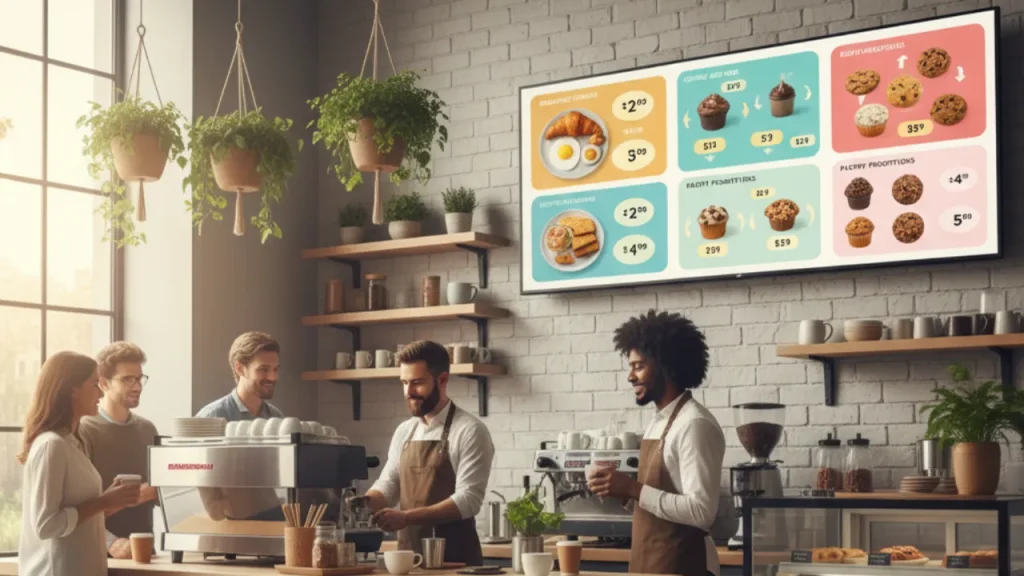
Before: A 10-seat café printed two A3 posters each week for offers. Staff manually changed them. Many customers asked about deals because posters lacked visibility.
After: The café installed one TV behind the counter and connected it to a free account. They uploaded three short promo slides: breakfast combo, loyalty QR code, and weekly pastry special. They scheduled the breakfast combo to run 7:00–10:30 and rotated the pastry special during afternoons.
Measured impact in 60 days:
- Promo impressions estimated up by 400% (since screen loops continuously).
- Average pastry sales increased 35% during afternoon rotation.
- Time spent updating promos dropped from 30 minutes per week to less than 5.
This simple before-and-after highlights two wins: conversion lift and operational time saved.
ROI tips: how to make screens pay for themselves
- Track one measurable goal per screen
- Example goals: increase add-on sales, raise average order value (AOV), or reduce perceived wait time. Use short A/B tests to compare different messages.
- Use short loops and high-contrast CTAs
- People passing by should understand the offer in 3 seconds. Large headline, price, and action.
- Place screens where decisions are made
- Counter area, queue, window, or near seating. Different placements serve different behaviors.
- Use scarcity and time-limited offers
- Flash promotions with countdowns create urgency that converts at higher rates.
- Promote higher-margin items as combos
- Bundles lift AOV faster than discounts.
- Measure and iterate
- Track sales by hour and correlate with screen schedule. Even small increases in AOV compound quickly for daily revenue.
- Estimate payback period
- Example: if a TV and player cost $200 total and it increases daily revenue by $8, payback is 25 days. Replace numbers with your real margin and sales uplift to calculate your store’s payback.
Cloud signage lowers the variable cost of running promos so the payback window is typically short, especially for food and beverage outlets.
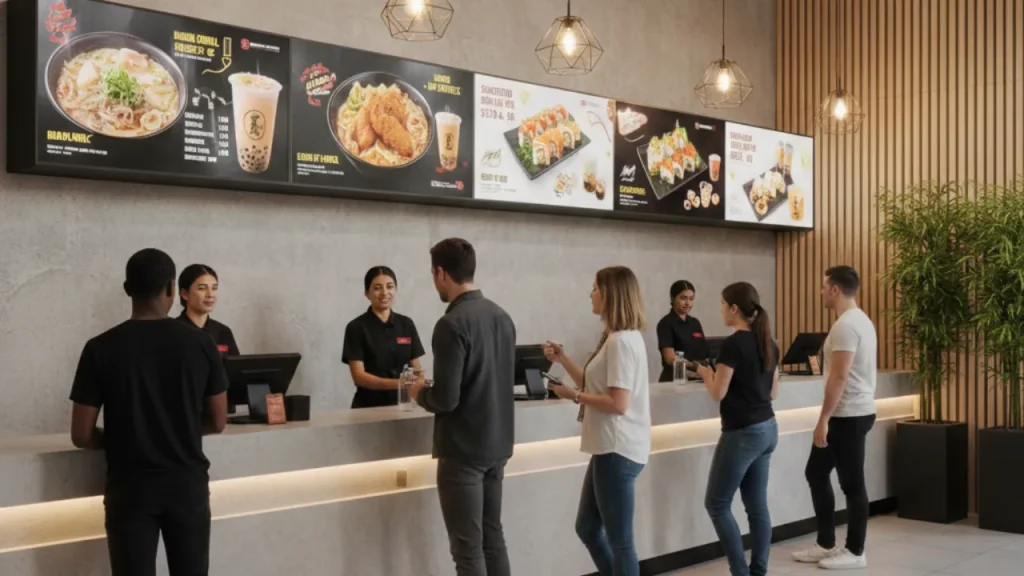
MediaXGo features to help you get started
- Create your account and set up screens via the MediaXGo homepage. (MediaX Digital Signage Solutions)
- Learn campaign creation steps and device management from MediaXGo help and tutorials. (MediaX Digital Signage Solutions)
Infographic ideas you can add to your shop or website
Below are three infographic concepts you can create quickly and place on the screen or website to educate customers and staff.
- Welcome flow infographic (vertical)
- Panels: Welcome – How to order – Today’s deals – Loyalty QR code – Social proof.
- Purpose: helps first-time visitors order faster and join loyalty programs.
- ROI checklist for owners (single slide)
- Panels: Cost, Expected daily uplift, Payback days, Actions to test.
- Purpose: use internally to decide which promo to run.
- Before/After results (two-column)
- Left column: Baseline metrics (AOV, add-ons, footfall).
- Right column: Post-screen metrics, percent change, and top-performing creative.
You can design these in a free online editor and upload the images to your cloud dashboard. Use short animations for the top panel to catch attention.
Quick content calendar to test in 30 days
Week 1
- Daytime menu loop 7:00–10:30 (breakfast combos)
- Lunch highlights 11:00–14:30 (rotate 3 items)
- Afternoon pastry push 15:00–17:00
Week 2
- Add 1 flash offer per day with a 6-hour countdown
- Run an upsell split-screen during peak hours
Track uplift by comparing average sales in the scheduled slots to the same hours in the prior month. Adjust creatives and schedules by week 3.
Common mistakes to avoid
- Too much text: keep the message scannable.
- Static long slides: rotate content every 5–12 seconds.
- Placing screens where nobody looks: test different locations.
- Not measuring: if you can’t measure a change, you can’t scale it.
Final checklist to launch this week
- Pick the TV and media player
- Create a MediaXGo account and install the app on your player. (MediaX Digital Signage Solutions)
- Prepare 3 promo slides and one animated flash offer
- Schedule by time of day and location
- Measure sales by hour and run a 30-day test
Wrap up
Using TVs for shop promotions gives small retailers big advantages. You get dynamic, remotely managed messaging that increases visibility, shortens decision time for customers, and drives measurable revenue gains. Start with one screen, test a simple menu loop and a timed flash offer, track the results, then scale. If you want to follow the exact setup steps and use a free tool built for shops, check MediaXGo’s quick start guides and device management tutorials. (MediaX Digital Signage Solutions)
Frequently Asked Questions (FAQ)
1. What are TV screens for shop promotions?
TV screens for shop promotions are regular televisions used as digital displays inside stores to show offers, prices, product highlights, announcements, and dynamic advertisements. Instead of printing posters, businesses use cloud software like MediaXGo to update promotions remotely and instantly.
2. How to use TV for shop advertising and promotions free?
You can use a regular TV with an Android TV device or media player and connect it to a free cloud-based digital signage platform like MediaXGo. After creating an account, upload your promotional images or videos, schedule them, and manage everything remotely without printing costs.
3. Do I need special hardware to turn a TV into a retail promotion screen?
No special hardware is required beyond a TV with HDMI and a compatible Android TV device or built-in smart TV support. Most small businesses already own the required equipment, making it an affordable retail signage solution.
4. Can small shops really increase sales using retail TV displays?
Yes. Small cafés, boutiques, and salons often see increased add-on sales, better promotion visibility, and improved customer decision speed. Dynamic shop ads attract more attention compared to static posters, which can directly improve conversion rates and average order value.
5. How do I measure ROI from sales boosting screens?
Track specific goals such as increased add-on sales, higher average order value, or improved promotional item sales. Compare sales data before and after installing your digital screen. Even small daily revenue increases can cover the cost of the setup within weeks.