
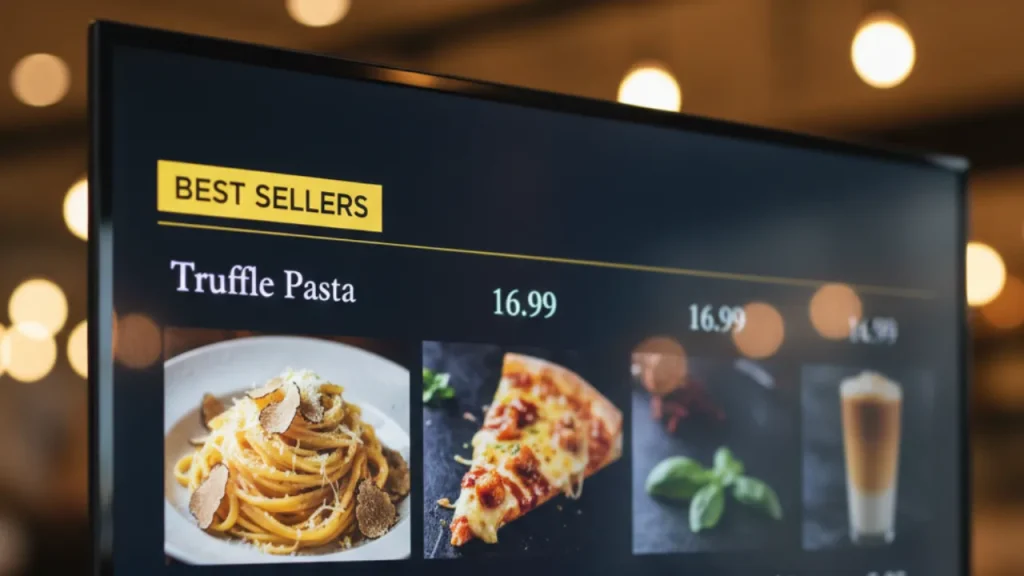
In today’s fast moving food industry, printed menus are quickly becoming outdated. Restaurants, cafes, food trucks, and quick service outlets need flexibility, speed, and visual appeal. That is where a restaurant menu on TV becomes a game changer.
Digital menu boards allow you to update prices, promote specials, and improve customer experience in seconds. Even better, there is now a free way to show restaurant menu on TV screen without expensive hardware or complicated setups.
With solutions like MediaXGo, even small eateries can run professional electronic menus from anywhere in the world.
This guide will walk you step by step through:
- Why TV menu boards are essential
- How to set up your menu for free
- How to update prices instantly
- Real examples from global eateries
- Best practices for higher sales
- Yoast SEO checklist
- FAQs and schema markup
Let’s get started.
Why Restaurants Are Moving to TV Menu Boards
Traditional printed menus create several problems:
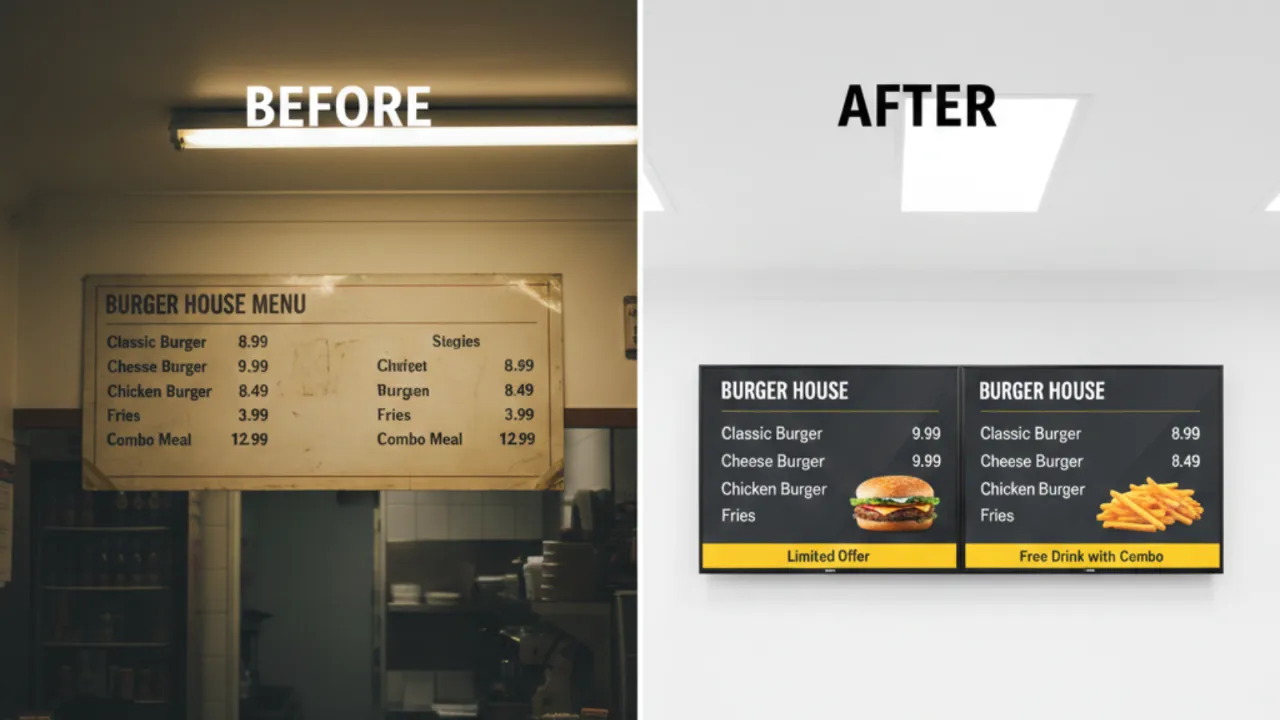
- Price changes require reprinting
- Daily specials are hard to update
- Menus look outdated quickly
- Limited visual appeal
- Higher long term costs
Digital menus solve all of these issues.
Key Benefits
1. Instant Updates
Change prices or items in seconds.
2. Professional Look
Modern screens attract attention and build trust.
3. Promote High Margin Items
Highlight combos and specials visually.
4. Reduce Printing Costs
No more reprinting menus every month.
5. Remote Control
Update menus from anywhere.
What Is a Restaurant Menu on TV?
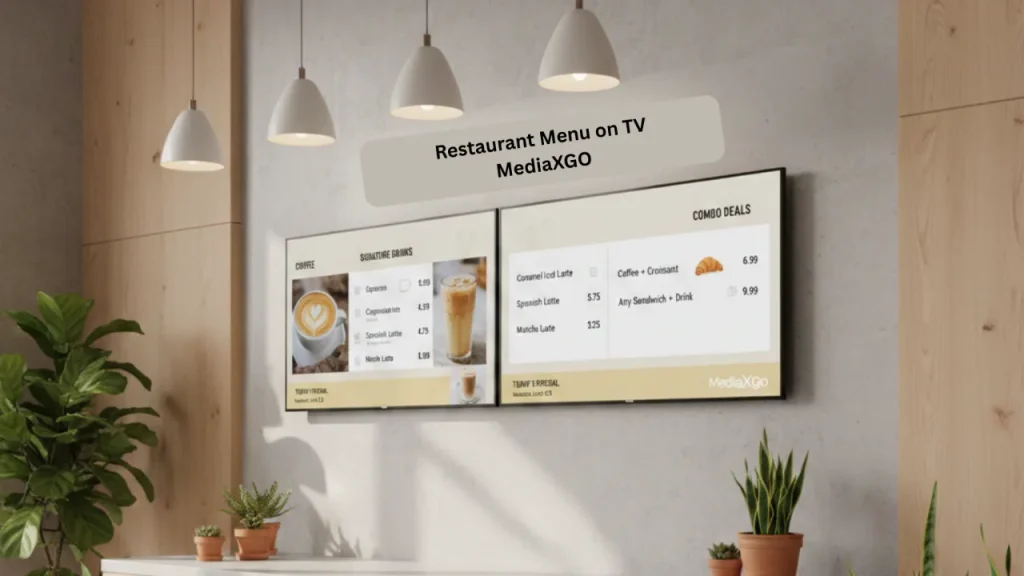
A restaurant menu on TV is a digital display that shows your food and drink offerings on a television screen instead of printed boards.
These systems typically include:
- TV screen or smart display
- Menu display software
- Internet connection
- Content management dashboard
Types of Electronic Restaurant Menus
1. Static TV Menu Boards
Simple image based menus displayed on a TV.
Best for: small cafes and food stalls.
2. Dynamic Digital Menus
Menus that rotate, animate, or change by time of day.
Best for: restaurants and franchises.
3. Real Time Cloud Menus
Menus controlled remotely with instant updates.
Best for: growing food businesses and multi location brands.
Global Examples of Restaurants Using TV Menus
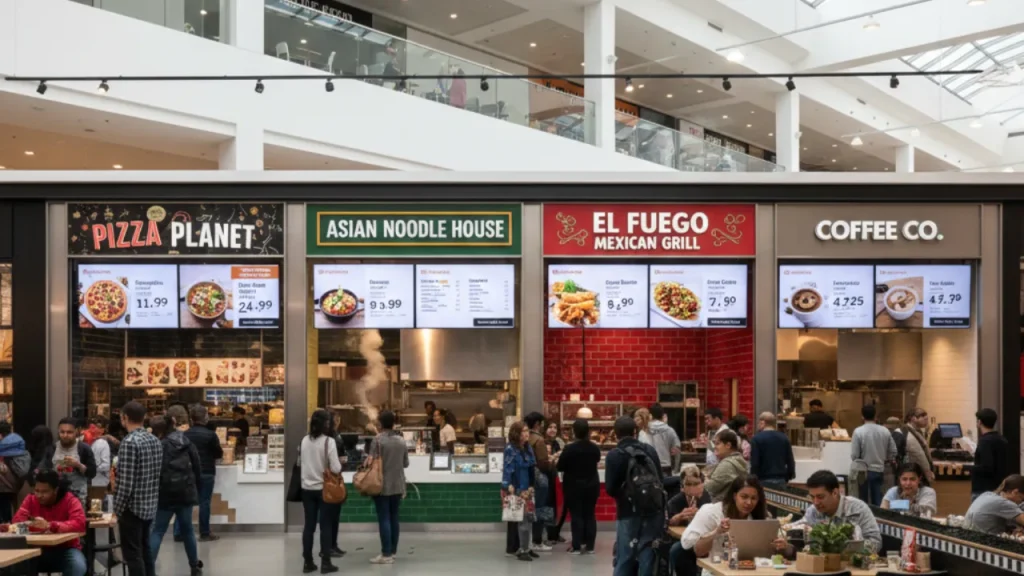
Digital menus are now standard worldwide.
Quick Service Restaurants in the USA
Many burger and pizza chains use TV menu boards to:
- Show combo deals
- Highlight limited offers
- Adjust pricing by location
Cafes in the UAE
Modern cafes display:
- Coffee promotions
- Seasonal drinks
- Happy hour offers
Food Courts in South Asia
Food courts benefit from:
- Faster updates
- Multi language menus
- Centralized control
This global shift shows that electronic restaurant menus are no longer optional. They are becoming the new standard.
The Free Way to Show Restaurant Menu on TV Screen
Here is the good news. You do not need expensive digital signage systems.
With MediaXGo, you can create and manage your TV menu boards at no cost to start.
What You Need
- Any modern TV or smart TV
- Internet connection
- MediaXGo account
- Menu design (image or template)
That is it.
Step by Step: Set Up Your Restaurant Menu on TV
Step 1: Prepare Your Menu Design
Before uploading, create a clean menu layout.
Tips for best results:
- Use large readable fonts
- Keep background simple
- Highlight best sellers
- Use high quality food images
- Maintain brand colors
Step 2: Upload to MediaXGo
Inside the dashboard:
- Log in to MediaXGo
- Upload your menu image or video
- Create a playlist
- Assign it to your screen
Within minutes, your menu is live.
Step 3: Connect Your TV
Depending on your setup:
Option A: Smart TV
- Install the MediaXGo app
- Enter pairing code
- Start displaying
Option B: Android Box
- Connect device to TV
- Install the app
- Setup and start displaying the menu
Step 4: Make Real Time Menu Changes
This is where digital menus shine.
When you need to:
- Change prices
- Add daily specials
- Remove out of stock items
- Promote combos
Simply update the content in MediaXGo.
Your TV menu updates automatically.
No printing. No delays. No stress.
Best Practices for High Converting TV Menu Boards
If your goal is to increase sales, follow these proven strategies.
Keep It Simple
Avoid cluttered menus.
Ideal structure:
- Categories on top
- Best sellers highlighted
- Prices clearly visible
- Limited text
Use Visual Hierarchy
Guide customer eyes.
Recommended layout:
- Hero items at top left
- Combos in the center
- Add ons on the right
- Drinks at bottom
Highlight High Margin Items
Digital menus make upselling easier.
Try:
- Combo boxes
- Limited time badges
- Chef specials
- Popular item tags
Schedule Menus by Time of Day
Advanced users can show different menus for:
- Breakfast
- Lunch
- Dinner
- Happy hour
This improves relevance and sales.
Common Mistakes to Avoid
Many restaurants install TV menus but fail to optimize them.
Avoid these mistakes:
Too Much Text
Customers should read in under 5 seconds.
Small Fonts
Menus must be readable from a distance.
Poor Color Contrast
Low contrast hurts visibility.
Too Many Animations
Simple is more effective.
Not Updating Regularly
Outdated menus reduce trust.
How Restaurant TV Menus Improve Revenue
Digital menu boards are not just about looks. They directly impact sales.
Proven Revenue Drivers
1. Faster Decision Making
Customers order quicker.
2. Better Upselling
Visual combos increase average order value.
3. Dynamic Pricing
Adjust prices based on demand.
4. Reduced Perceived Wait Time
Engaging screens improve customer experience.
5. Brand Positioning
Modern displays build premium perception.
Why MediaXGo Is Ideal for Cafes and Restaurants
MediaXGo is built for simplicity and scalability.
Key Advantages
- Free to start
- Cloud based control
- Works globally
- Real time updates
- Multi location support
- Designed for food businesses
For growing cafes and restaurants, it provides enterprise level power without enterprise level cost.
Future Trends in Electronic Restaurant Menus
The next wave of innovation is already here.
AI Powered Menu Recommendations
Menus that change based on:
- Time
- Weather
- Sales trends
Interactive Touch Menus
Customers browse and customize orders.
Integration with POS Systems
Menus update automatically based on inventory.
Personalized Promotions
Screens that adapt to customer behavior.
Restaurants that adopt early gain a strong competitive edge.
Conclusion
A restaurant menu on TV is no longer a luxury. It is a practical, affordable upgrade that improves operations, boosts sales, and enhances customer experience.
With platforms like MediaXGo, even small cafes can deploy professional TV menu boards without heavy investment.
If you want:
- Instant price updates
- Modern branding
- Better upselling
- Lower printing costs
Now is the perfect time to switch to digital.
Frequently Asked Questions
What is the easiest way to create a restaurant menu on TV?
The easiest method is to use a cloud based digital signage platform like MediaXGo. Upload your menu design, connect your TV, and your menu goes live within minutes.
Is there a free way to show restaurant menu on TV screen?
Yes. Many modern digital signage tools offer free starter plans. MediaXGo allows restaurants to display menus on TV without expensive hardware or monthly commitments to begin.
Do I need a smart TV for digital menu boards?
A smart TV is helpful but not required. You can also use:
- Android TV box
- Fire Stick
- Mini PC
- Digital signage player
How often should I update my electronic restaurant menu?
Best practice is:
- Daily for specials
- Weekly for promotions
- Immediately for price changes
- Seasonally for major menu updates
Can I manage multiple restaurant screens remotely?
Yes. Cloud based cafe display software like MediaXGo allows you to control multiple screens across different locations from one dashboard.